PROACTIVE IT FOR LOCAL BUSINESSES
Managed IT services for businesses in Halton & Mississauga.
Monitoring, maintenance, security updates, help desk support, and IT planning for businesses in Oakville, Burlington, Milton, and Mississauga. Coverage and response expectations depend on the written service plan.
Plan managed IT for your business
Tell us about your current systems and support priorities. We’ll review the request and follow up to discuss scope, coverage, and next steps.
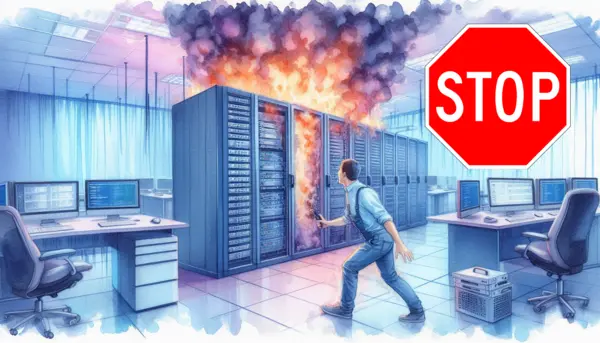
A clearer starting point for managed IT
For small and mid-sized businesses without a full internal IT team, managed IT brings day-to-day technology care into one ongoing service. The scope can include endpoint and network monitoring, routine maintenance, security updates, help desk support, backup oversight, and technology planning, as agreed for your environment.
Set service inclusions, response expectations, after-hours coverage, and any out-of-scope costs in the managed IT service agreement before work begins. Businesses in Oakville, Burlington, Milton, and Mississauga can start with a review of their current systems and support priorities.
What managed IT can include
- Monitoring and maintenance: Monitoring tools can flag selected system or device issues for review. Routine maintenance and updates are planned according to the devices, software, and service scope agreed with your business.
- Support with a defined scope: Help desk support and escalation are set out in the service plan, including which users and systems are covered and how after-hours requests are handled.
- Security and continuity: Security updates, endpoint protection, and backup oversight can be coordinated with your environment and risk priorities. No tool can guarantee that incidents or downtime will never occur.
- Practical IT planning: Review technology needs, upcoming changes, and infrastructure health to create prioritized next steps your team can evaluate.
- Clear scope and costs: Service inclusions, fees, response expectations, and any work outside the plan are agreed before ongoing service starts.

A more predictable way to manage IT
Managed services focus on ongoing monitoring, maintenance, and planning. The goal is to make system issues more visible, keep routine work organized, and give your business a clear way to address IT priorities.
What is monitored, what support is included, and the expected response process depend on the agreed service scope. Ask us to walk through those details before deciding whether a plan is the right fit.
FAQ
What managed IT can include
- Monitoring tools can flag selected system or device issues for review
- Maintenance and updates are planned for devices and software in scope
- Help desk access, covered users, escalation, and after-hours handling are specified in the service agreement
- Security, endpoint protection, and backup oversight are scoped around the environment and agreed needs
- Planning reviews, reporting cadence, and fees for additional work are defined before ongoing service begins
Monitoring can surface selected issues but cannot prevent all incidents or downtime. Support coverage and response expectations depend on the written plan.
Discuss a managed IT plan